Service software for refrigeration and HVAC techs
Walk-in coolers with no signal, nameplates to photograph, parts on order and return visits. Clipboard Zero was built by a refrigeration tech for exactly that work, and the AI turns the tech's receipts into the invoice.
See it before you decide
Click around a live demo with a month of made-up jobs, or tell me how your company works and I'll give you an exact price.
Try the demo →Get a priceMade for the way the work goes
Works inside the walk-in
Basements, walk-in coolers, mechanical rooms. Tickets, photos and signatures save on the phone and send on their own when the signal comes back. Nothing to install from an app store: it opens from a link on any iPhone or Android.
Nameplate photo to parts quote
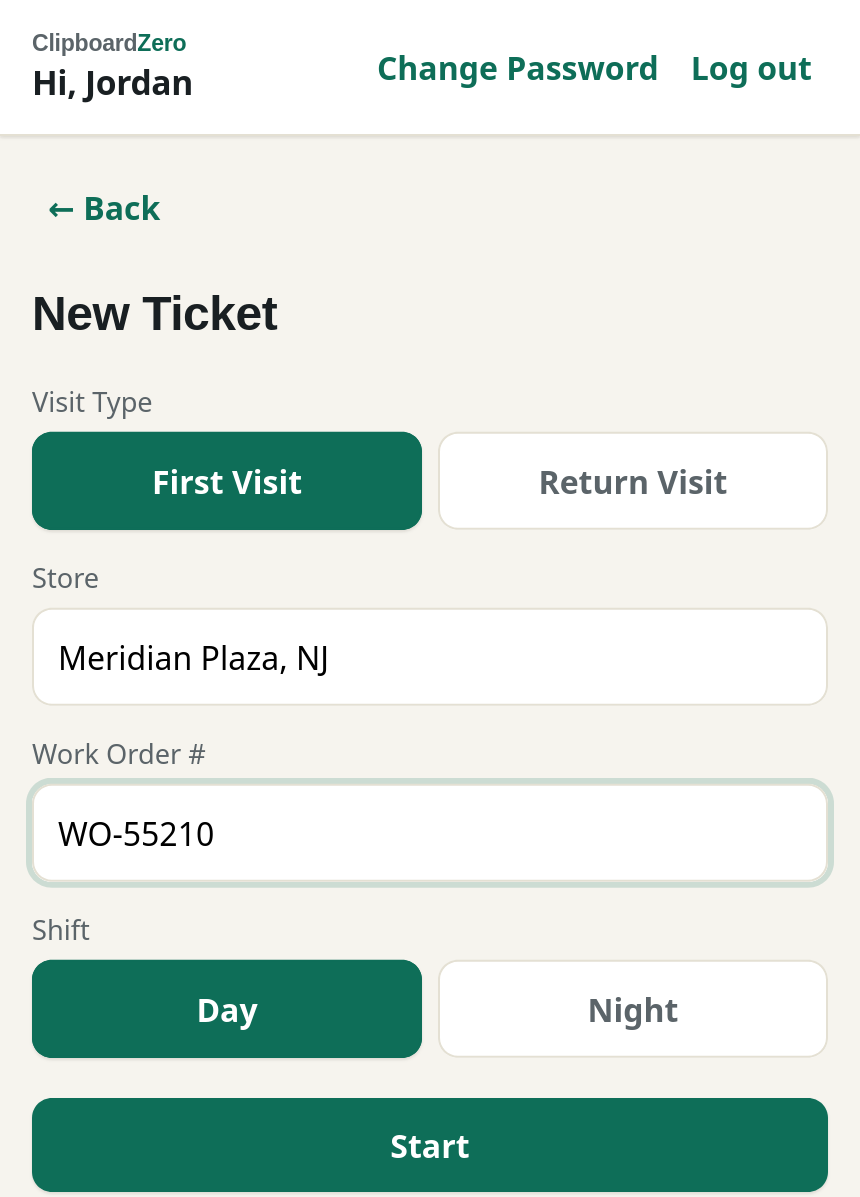
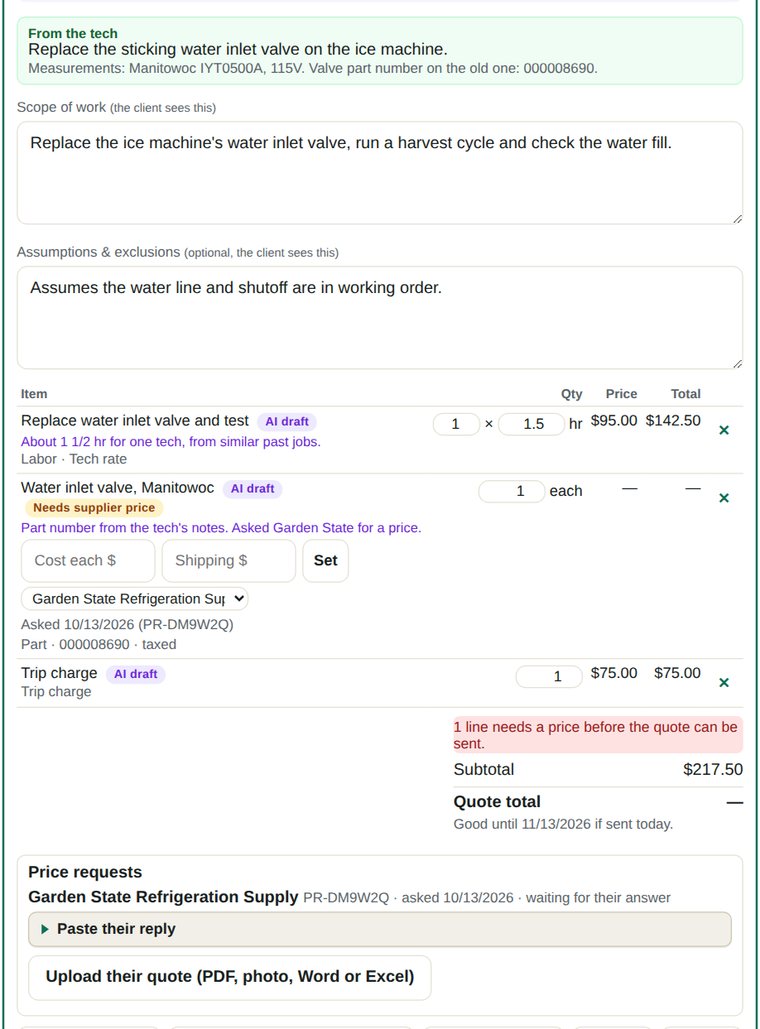
The tech ticks Parts Needed, adds the part and photographs the nameplate. The office's price request goes to your suppliers automatically with the make, model and serial and the photo attached. Their answer is read for you, even an attached PDF, and the price fills in with shipping.
Return visits that remember
When the tech comes back, the job shows the last visit's notes, the parts that were needed and the photos. The office sees every job that's waiting on parts or a return trip.
Invoices from receipts
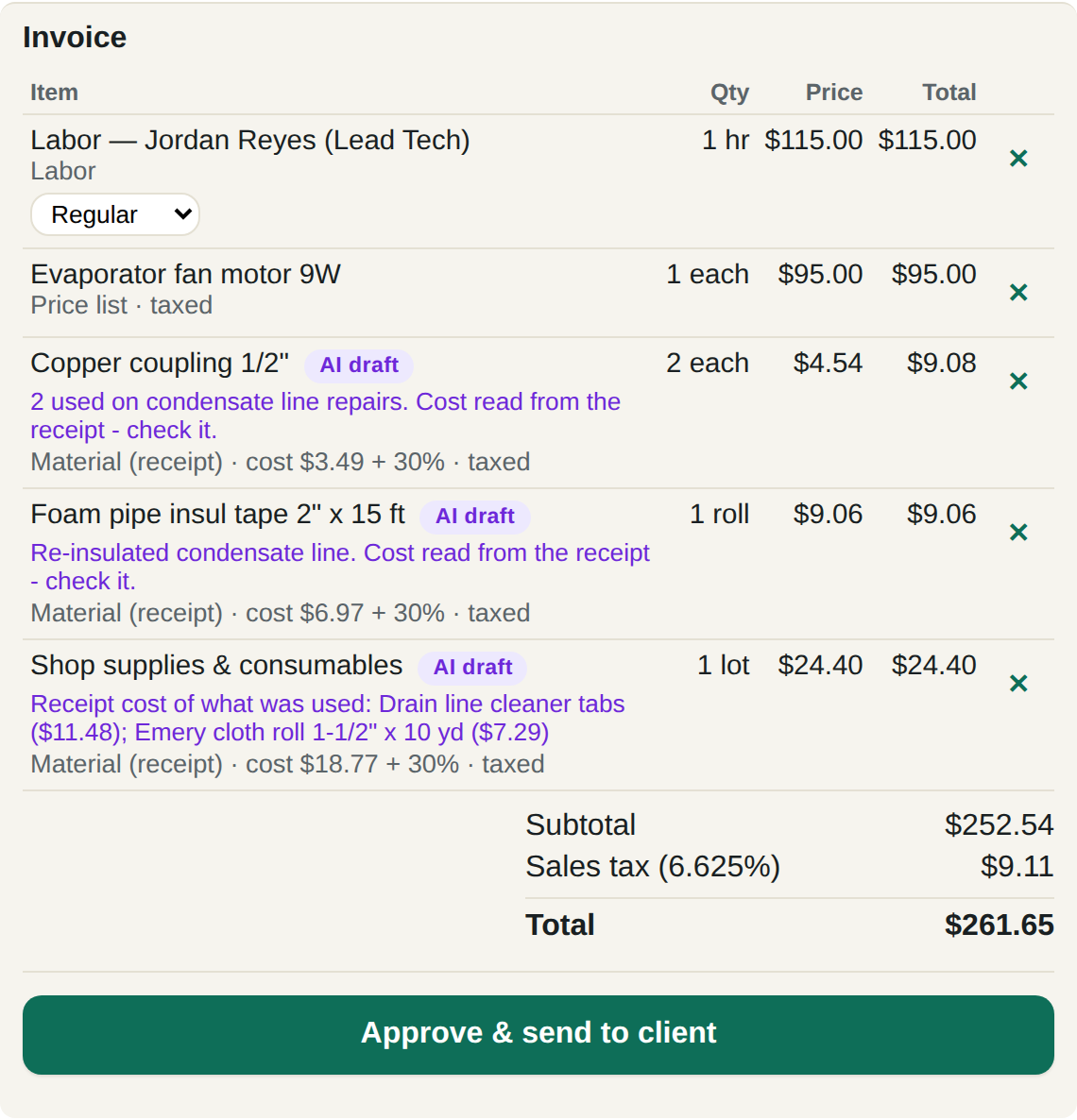
The tech snaps the receipt and writes what they did. The AI reads both, works out what was used on that job and drafts the invoice, priced from your own price book, never made up. Each line shows where its price came from, like "cost $3.49 + 30%". Nothing goes out until your office approves it. How AI invoicing works →
What switching looks like
Most of it is done for you.
- Tell me how you work. Your trades, your crew size, what you bill and how. You get an exact price.
- Your server is set up. Your company gets its own web address and logins, and your existing customer list can be loaded in for you.
- Your techs open a link. It works on any iPhone or Android and goes on the home screen like any other app.
- A short training call for the office, and the quick guide for everyone.